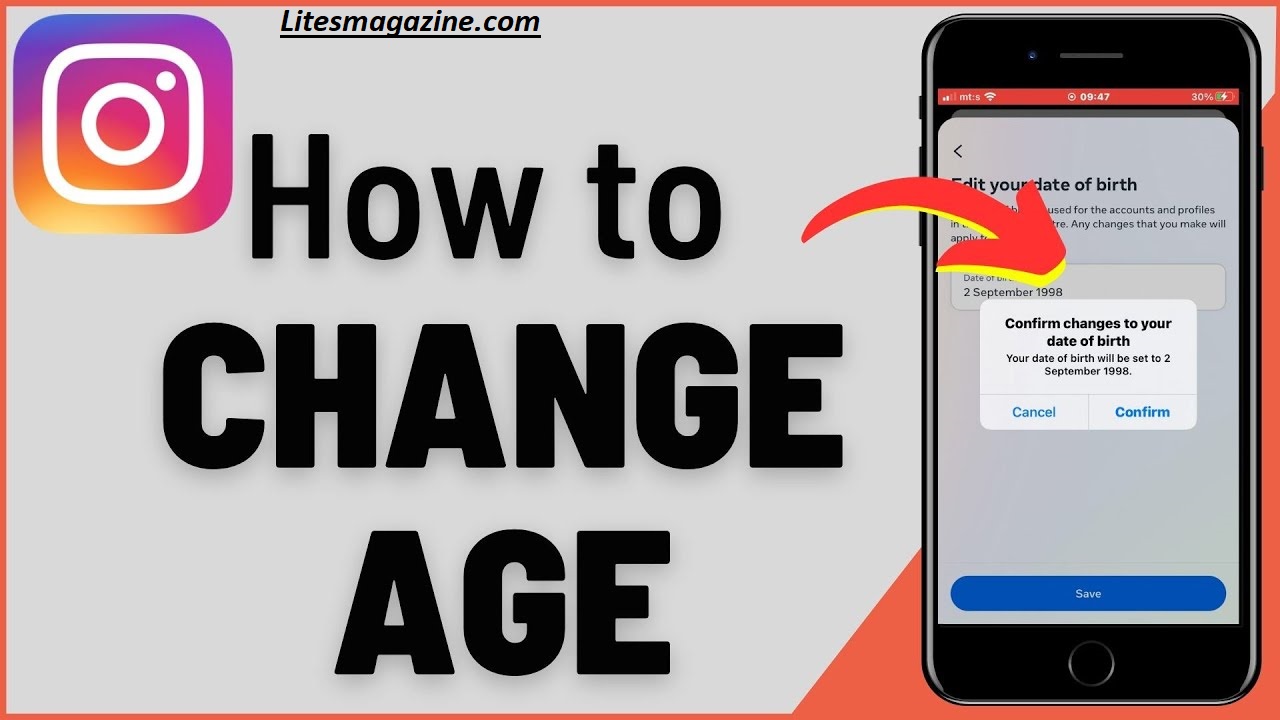
Can You Change Your Age on Instagram?Yes this is possible, but there are limits. You can update your birthdate directly in the app if you entered it incorrectly, but you must be at least 13 years old to have an account.
To change your age, go to your profile → Edit Profile → Personal Information Settings → Birthday. If Instagram detects that your age is under 18, some features may be restricted.
For accounts that can’t edit their birthday, you can submit an appeal through Instagram’s Help Center by providing proof of your real age. Always enter accurate information to avoid account issues.
Changing your age on Instagram might sound simple — until you try to do it and get hit with an age verification request or a demand for an ID upload. Whether you entered your birthday wrong or just want to update your date of birth, the process isn’t always straightforward.
In this complete guide, you’ll learn how to change your age on Instagram, when you’ll be asked for ID, the official and unofficial methods, and what actually works in 2026.
Table of Contents
Quick Table
Here’s a handy overview of every Instagram age change situation — whether it needs ID verification or not. This quick reference helps you understand what works, what doesn’t, and when the Accounts Center option is available.
| Scenario | How to Change Your Age on Instagram | Needs ID Verification? | Notes & Tips |
|---|---|---|---|
| First-time age edit | Go to Instagram Accounts Center → Personal Details → Birthday → Edit | ❌ No | Works instantly for most users. |
| Minor under 18 turning 18 | Edit birthday through Accounts Center | ✅ Yes (may need ID) | Instagram may require video selfie age verification to confirm you’re over 18. |
| Changing from 18+ to under 18 | Edit birthday manually | ⚠️ Maybe | Can trigger child-safety review. |
| Editing multiple times | Locked by Instagram | ✅ Yes | Instagram birthday limit reached — upload ID. |
| Account flagged as suspicious | Cannot edit | ✅ Yes | Must verify via government ID or video selfie. |
| Using fake ID or VPN | Not allowed | ???? Invalid | Risks account suspension. |
| Sync with Facebook data | Auto-updates | ❌ No | Works if your Facebook and Instagram birthdays match. |
| Lost access to edit | Contact Instagram Help Center | ✅ Yes | May need to appeal with proof of age. |
Why Instagram Tracks Your Age
Instagram isn’t just asking for your birthday out of curiosity. It uses your age data to create a safer online environment, especially for users under 18.
Here’s why Instagram tracks your age and sometimes locks certain features until your birthday is verified:
| Reason | Explanation |
|---|---|
| Legal Compliance | Instagram must comply with global child protection laws like COPPA and GDPR, which require accurate age verification. |
| Content Restrictions | Users under 18 get limited access to mature or sensitive content. |
| Ad Targeting | Instagram uses your birthday to show age-appropriate ads. |
| Account Safety | Correct age helps verify identity in case of lost accounts. |
Why Instagram Asks for ID
If Instagram suspects your provided age isn’t correct or you change it too often, it might trigger a birthday verification process. This often means:
- Uploading a government-issued ID (like passport or driver’s license), or
- Completing a video selfie age verification using Yoti technology.
The platform takes age verification seriously because it protects minors from online risks and ensures the app meets global regulations.

Official Way to Change Your Birthday (Step-by-Step Guide)
There’s only one official method to change your birthday — through the Accounts Center in Instagram’s settings.
Here’s how you can change your birthday on Instagram safely:
Step-by-Step: Instagram Birthday Edit
- Open the Instagram app.
Make sure you’re logged into the correct account. - Go to your profile.
Tap your profile picture → tap three lines (menu) in the top-right corner. - Select “Accounts Center.”
This is where you manage settings for Instagram and Facebook together. - Tap “Personal details.”
- Select “Birthday.”
You’ll see your current birthdate. - Edit your date of birth and tap Save.
That’s it!
Your age will update across all connected Meta accounts (Instagram and Facebook).
Important Notes
- If you entered a wrong birthday before and corrected it multiple times, you may reach the Instagram birthday limit.
- After hitting this limit, you’ll see a “You can’t change your birthday again” message.
- In such cases, Instagram may ask you for ID verification to confirm your real age.
Limits on Changing Your Age
Instagram doesn’t allow unlimited edits to your birthday. The platform enforces restrictions to prevent misuse or fake age claims.
Here’s what you should know about the Instagram birthday limit:
| Action | Limitations |
|---|---|
| Editing your birthday | Limited to a few times only. If abused, account verification will be required. |
| Changing from under 18 → 18+ | May trigger an age verification request to prevent false claims. |
| Changing from 18+ → under 18 | Triggers child safety checks. |
| Multiple changes in short time | Account may be temporarily locked from further edits. |
Why These Limits Exist
Instagram enforces these limits to:
- Prevent fake age manipulation to access restricted content.
- Stop users from bypassing parental controls.
- Keep age-related recommendations accurate.
Can You Change Your Age Without ID?
This is the most common question — can you change your age on Instagram without ID?
The short answer: Yes, sometimes.
But it depends on your account status and how many times you’ve already changed your birthday.
You Can Change Your Age Without ID If:
- You’ve never changed your birthday before.
- Instagram doesn’t detect suspicious activity.
- You’re above 18 and your changes seem reasonable.
- Your account is new or verified with Facebook’s data.
In these cases, the Instagram birthday edit works directly from Accounts Center — no ID required.
You Need ID If:
- You’ve changed your birthday multiple times.
- Your new age is drastically different (e.g., 25 → 14).
- Instagram flags your account for possible impersonation.
- You’ve been asked for video selfie age verification.
How Instagram Handles “No ID” Requests
When you try to change your birthday but refuse ID verification, Instagram often restricts your account until you comply.
You might lose access to certain features (like Reels, DMs, or posting).
There’s currently no official method to bypass ID verification if it’s explicitly requested.
What Happens If You’ve Already Changed It Before
If you’ve already changed your birthday once (or more), Instagram’s system keeps track of those edits.
Scenarios
| Number of Edits | Outcome |
|---|---|
| First edit | Usually successful with no issues. |
| Second or third edit | May trigger a verification check. |
| Multiple edits (frequent) | Instagram will require ID or video selfie verification. |
Once the Instagram birthday limit is reached, even reinstalling the app or logging out won’t help — your data is stored at account level, not app level.
Instagram Requires ID to Change Age
If you reach the limit, you’ll see a message like:
At this point, the only option is to upload:
- Government ID, or
- Complete a video selfie verification process.
If you skip it, Instagram may lock your account or block you from content rated 18+

Age Verification Methods Instagram Uses
Instagram has modernized its verification system to make it secure and less invasive. It uses both human review and AI-driven technology.
Here are the main Instagram age verification methods:
| Method | How It Works | When It’s Used |
|---|---|---|
| Government ID Upload | You upload a passport, license, or national ID. | When you change your age significantly or reach the edit limit. |
| Video Selfie Verification | You record a short selfie video. Instagram’s AI estimates your age. | For users uncomfortable sharing ID. |
| Social Confirmation | Three mutual friends confirm your age. | Previously available, now limited in regions. |
| Facebook Data Sync | If you’re linked to Facebook, your birthday auto-syncs. | Used by Accounts Center to confirm data. |
How Safe Is It?
Instagram deletes your ID after verification is complete. The video selfie is processed using age estimation models and not stored permanently.
Workarounds That Don’t Work (and Why)
Many blogs and videos claim you can bypass Instagram’s age check using tricks like fake IDs, VPNs, or alternate emails. Most of these methods don’t work — and can even get your account banned.
Here’s why:
| Workaround | Why It Fails |
|---|---|
| Using a fake ID | Instagram’s AI detects forged documents and rejects them. |
| VPN or region change | Your age data is linked to your account, not IP address. |
| Creating a new account | You’ll lose your followers, posts, and engagement. |
| Editing age through Facebook | If both accounts are linked, it still requires ID. |
| Third-party apps | Risky and violate Instagram’s security policies. |
What Actually Works
Only two proven methods:
- Using the official Instagram Accounts Center for birthday edits (no ID required if you qualify).
- Completing video selfie verification when requested.
Everything else risks temporary suspension or loss of access.

Frequently Asked Questions
How many times can you change your age on Instagram?
You can change your birthday a few times before hitting the Instagram birthday limit. After that, you’ll need to verify your identity.
Can I change my age without ID?
Yes, but only if you haven’t hit the verification limit and Instagram doesn’t flag your account.
What is the Accounts Center on Instagram?
It’s a hub to manage settings across Instagram and Facebook, including your birthday and personal details.
Does Instagram share my age publicly?
No. Your birthday is private and only used for age verification and content control.
What happens if I enter a fake birthday?
Instagram may disable your account if your birthday appears suspicious or doesn’t match your ID during checks.
Conclusion
Changing your age on Instagram can be simple — or complicated — depending on your situation.
If you’ve never edited your birthday before, you can usually do it directly through the Accounts Center without needing an ID.
However, once you reach the Instagram birthday limit or make major changes (like switching from under 18 to over 18), the platform may require video selfie age verification or an official ID upload.
The best way to avoid problems is to use accurate information from the start. Always keep your Instagram and Facebook birthdays consistent, avoid fake IDs or shortcuts, and follow Instagram’s official process for edits. This ensures you stay compliant with their age verification policies and maintain access to all features.
Remember — Instagram’s rules are in place to keep users safe, especially minors. Following these guidelines helps protect your account and reputation. If you’ve hit an age-edit block, contact Instagram Help Center and verify your details properly.
So yes — you can change your age on Instagram without ID, but only if done correctly and within the platform’s limits. Always choose legitimate methods for long-term security and peace of mind.