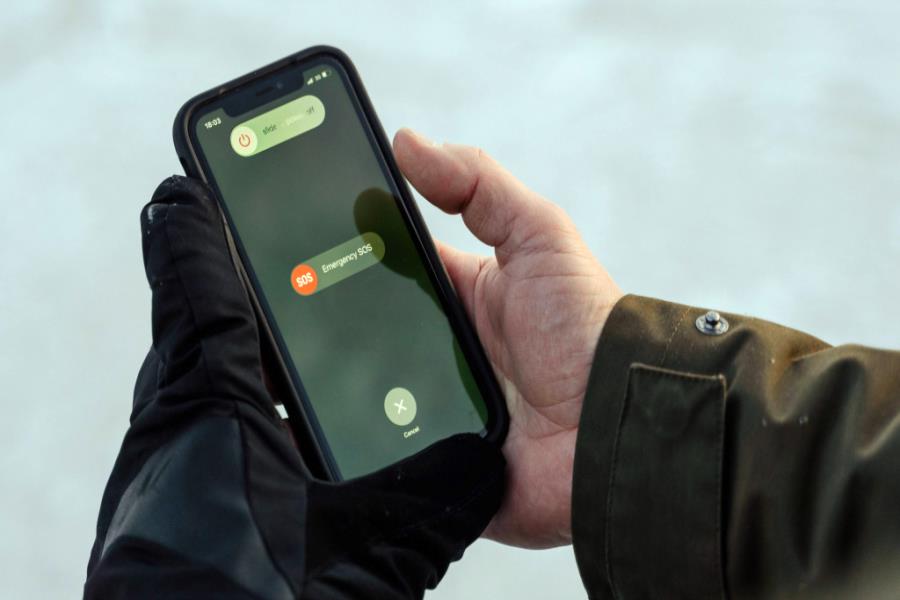
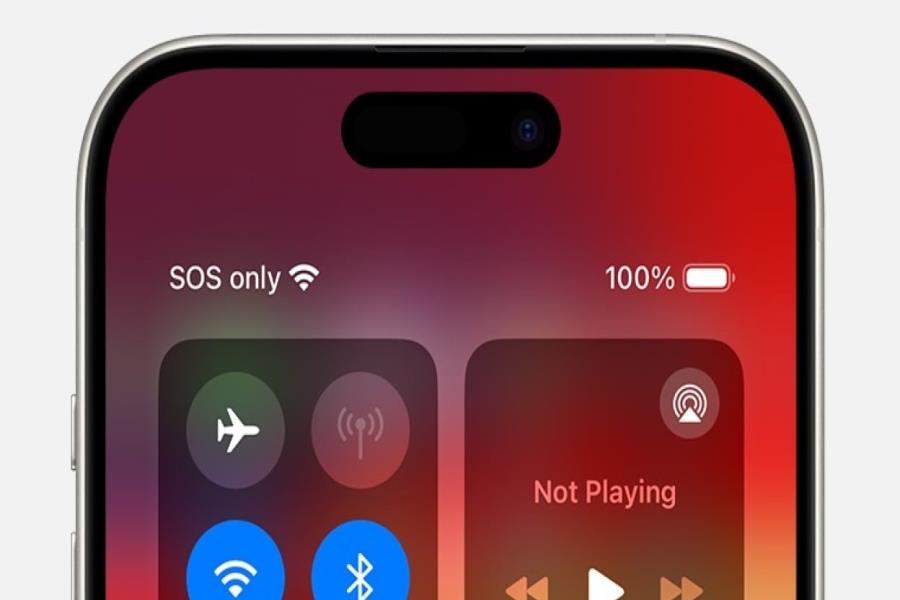
You glance down and there it is. SOS where your carrier name used to be. No bars, no data, and a small wave of panic because your phone looks broken. Here’s the good news: if you’re wondering why is my phone in SOS mode, it almost never means your phone is damaged. It means your phone can’t reach your carrier’s network right now, but it can still dial for help if you need it.
I’ve seen this trip up people on brand new iPhones and three-year-old Androids alike. The cause is usually boring. Not always, but usually. Let’s get into what’s actually happening and how to fix it without spending your afternoon on hold.
What SOS Mode Actually Means
Think of it like this: your phone always keeps one door open, even when every other door is locked. That open door is emergency calling. SOS mode shows up when your phone loses contact with your regular provider but picks up a signal from any nearby tower that allows emergency-only access.
So your phone isn’t lying to you. It’s telling you exactly what it can and can’t do. No calls to mom, no texts, no scrolling Instagram. But if you dial 911, it’ll go through.
Small comfort when you’re just trying to reply to a group chat, I know.
Read Also: Why Is My Phone On SOS? 8 Real Reasons + Quick Fixes That Work
Why Is My Phone In SOS Mode? The Usual Suspects
Nine times out of ten, it’s one of these.
You’re somewhere your carrier doesn’t reach. Basements, elevators, rural roads, thick-walled buildings — anywhere your provider’s signal gets blocked or just doesn’t stretch that far. Emergency towers tend to have wider reach, so your phone grabs onto one of those instead.
Your SIM card is acting up. Loose, dirty, worn out, or just not seated right. The phone itself is fine. It just can’t verify who you are with the network.
There’s a billing snag. Missed payment, lapsed plan, account flagged — carriers will often cut regular service but leave emergency calling on. This one’s annoying because your phone looks totally normal otherwise.
Your network settings got scrambled. Happens after a rough update, a dropped call, or sometimes for no reason anyone can explain. The phone just loses track of which network it’s supposed to talk to.
Airplane mode glitched. Toggle it too fast, or a shortcut fires weird, and your radios don’t fully come back online. iPhones especially seem prone to this right after an iOS update.
Your carrier is having a bad day. Outage, tower maintenance, regional network hiccup. Nothing you did. It clears up once they fix it on their end.
A software bug snuck in. If this started right after updating iOS or Android, that’s probably your culprit. It happens more than carriers like to admit.
How To Fix A Phone Stuck In SOS Mode
Work through these in order. Most people are back to normal by step three.
- Toggle airplane mode. On, wait about 15 seconds, then off. This forces your phone to go looking for towers again from zero.
- Just restart the phone. I know, I know. But a plain restart clears more of these glitches than people expect. Don’t skip it.
- Pull out the SIM and check it. Power off first. Look for dirt, damage, or a card that’s just not sitting right. Reinsert firmly. If you’ve got a spare SIM, pop it in to rule out a hardware problem.
- Change your location. Step outside. Walk toward a window. Move away from concrete or metal. If it’s a coverage issue, this alone often fixes it.
- Update carrier settings on iPhone. Settings → General → About. If there’s an update waiting, you’ll get a prompt. Install it.
- Reset network settings. On iPhone: Settings → General → Transfer or Reset iPhone → Reset → Reset Network Settings. On Android: Settings → System → Reset Options → Reset Wi-Fi, Mobile & Bluetooth. Heads up, this wipes saved Wi-Fi passwords. Save it for when the earlier steps don’t work.
- Check your account. Log into your carrier’s app and make sure your bill’s paid and your plan is live. Worth checking their outage map too.
- Call your carrier. From a different phone or over Wi-Fi. They can see things you can’t, like SIM registration status or a local network issue.
Quick Fix Table
| Cause | Fix | Time It Takes |
| Weak coverage area | Change location | 1–5 minutes |
| Loose or damaged SIM | Reseat or swap SIM | 5 minutes |
| Billing issue | Check account, pay bill | 5–10 minutes |
| Corrupted network settings | Reset network settings | 3 minutes |
| Airplane mode glitch | Toggle airplane mode | 30 seconds |
| Carrier outage | Wait it out | Varies |
| Software bug | Update iOS/Android | 10–20 minutes |
Can You Still Make Calls In SOS Mode?
Yes, but only to emergency numbers. Dial 911 and it’ll connect through whatever tower is available, even one outside your carrier’s network. Everything else — regular calls, texts, data — stays off until your phone reconnects properly.
Is SOS Mode A Sign Something’s Broken?
No. It’s a safety feature doing exactly what it’s built to do. In almost every case, your hardware is fine. Your phone just lost its normal connection.
Short Answers
| Question | Short Answer |
| Why is my phone say SOS only? | Your phone lost its carrier connection but found a nearby tower that allows emergency calls only. |
| How do I get my phone out of SOS mode? | Restart it, toggle airplane mode, check your SIM, or reset your network settings. |
| Does SOS mode drain battery faster? | Yes. Your phone works harder searching for signal, which burns extra battery. |
| Can a bad SIM card cause SOS mode? | Yes, a loose, damaged, or expired SIM often triggers it on both iPhone and Android. |
| Will SOS mode fix itself? | Sometimes, especially during a carrier outage. If it lasts over an hour, try the fixes above. |
| Can I still text 911 in SOS mode? | Yes, in areas that support text-to-911. Voice calls to emergency services always work. |
| Does resetting network settings delete my contacts? | No. It only clears saved Wi-Fi passwords and network preferences. |
When It’s Worth Worrying
Most of the time, this clears up in minutes. But if your phone sits in SOS mode for a full day with no explanation, that’s not normal anymore. It might be a deeper SIM registration problem or an account issue only your carrier can untangle. Don’t just keep restarting it hoping it fixes itself. Make the call.
Read More Articles: Why Is Uhoebeans Software Update So Slow? 9 Hidden Reasons
Bottom Line
So, why is my phone in sos mode?
SOS mode looks scary but it’s rarely a real problem. Your phone lost its usual connection and quietly switched to backup mode, keeping emergency calling on just in case. Start with airplane mode and a restart. Chances are you’ll have your bars back before your coffee gets cold. If not, your carrier’s the next call — from someone else’s phone, if you have to.
FAQs:
Why is my phone in sos mode?
Your phone lost connection to your carrier but found a nearby tower that allows emergency calls only.
How do I get my phone out of SOS mode?
Restart it, toggle airplane mode, check your SIM card, or reset your network settings.
Does SOS mode drain battery faster?
Yes. Your phone works harder searching for signals, which uses more battery.
Can a bad SIM card cause SOS mode?
Yes. A loose, damaged, or expired SIM often triggers it on both iPhone and Android.
Will SOS mode fix itself?
Sometimes, especially during a carrier outage. If it lasts over an hour, try the fixes above.
Can I still call 911 in SOS mode?
Yes. Emergency calls always go through, even without your regular carrier signal.
Can I text 911 in SOS mode?
Yes, but only in areas that support text-to-911 service.
Does resetting network settings delete my contacts?
No. It only clears saved Wi-Fi passwords and network preferences, not your contacts or photos.